Look and feel
At first, the menu uses your theme's font and colors. You can change that.
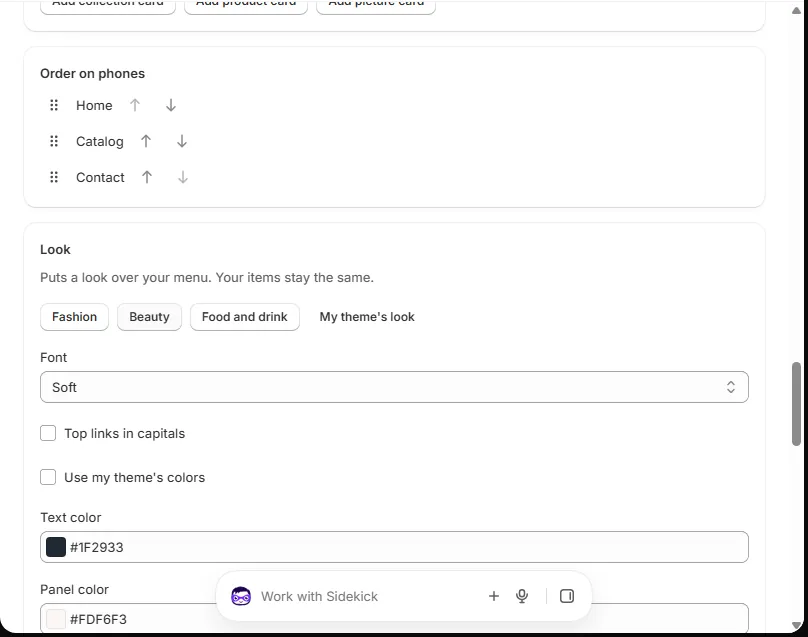
Store styles
Press Fashion, Beauty or Food and drink. Each one sets a font and colors. Your items stay the same.
Press My theme's look to go back.
Font
Pick a font in Font. These fonts are already on phones and computers, so the page stays fast.
Colors
Turn off Use my theme's colors. Then pick your colors. One is for text. One is for the panel. One shows when you point at a link.
Columns
A big panel shows its columns side by side. You can set 2 to 5 columns.