Languages
Does your store have more than one language? Then name each item in each language.
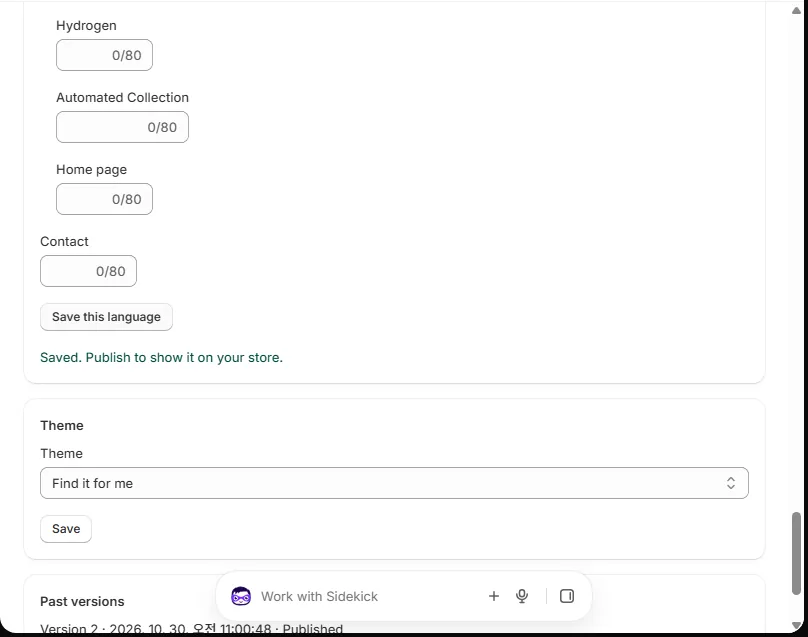
How to do it
- Add the language in Shopify under Settings › Languages.
- Open your menu. Find Languages.
- Pick the language. Type the names.
- Press Save this language. Then press Publish.
Shoppers who use that language see those names.