Make your menu
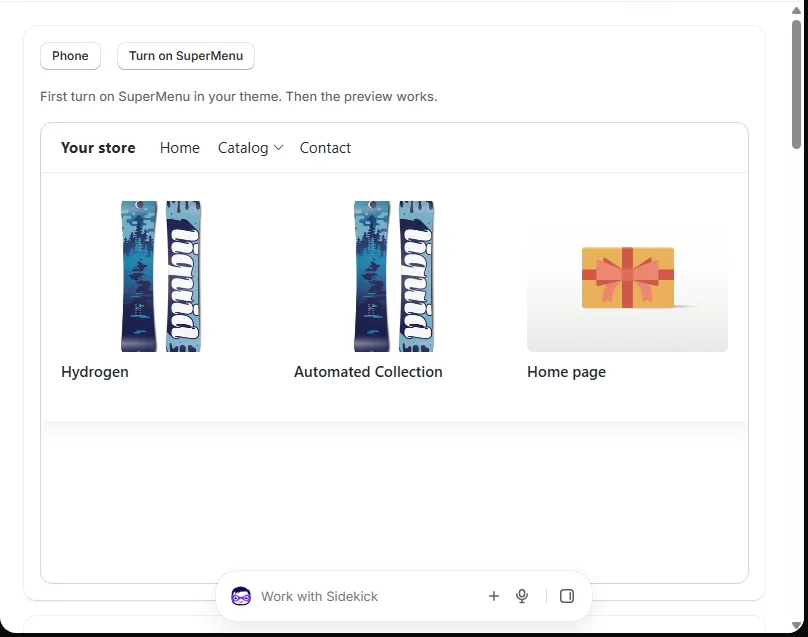
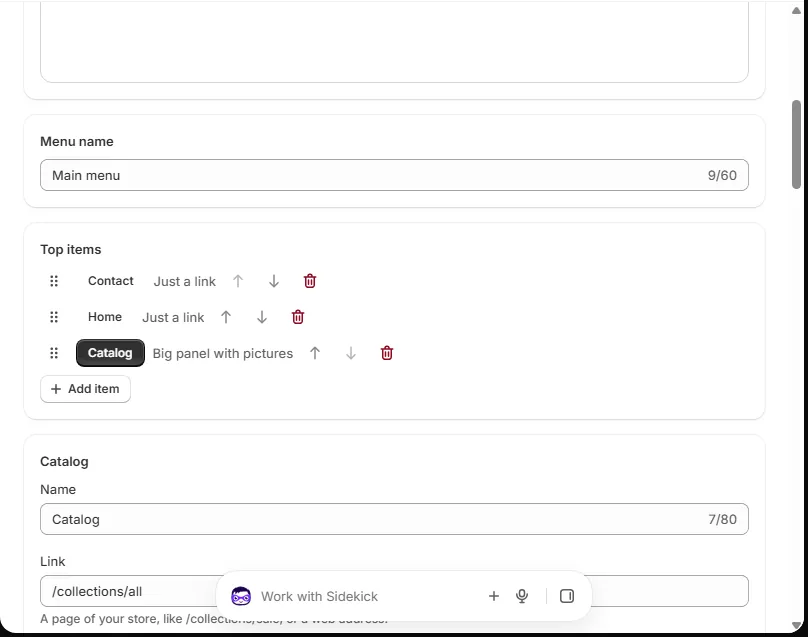
Your menu has top items. Each top item can open a list or a big panel.
Top items
Press Add item to add one. Give it a name and a link. Pick how it opens:
- Just a link: no panel.
- List: a short list under it.
- Big panel with pictures: columns, pictures and cards.
Columns and links
A big panel has columns. Each column has a name and links. Press Add column or Add link.
Pictures
Press Pick a collection to use its picture. Or press Upload a picture. Your picture goes to Content › Files in Shopify. It stays there if you remove the app.
Cards
A big panel can show up to 4 cards on the right. Add a collection, a product or a picture.
Labels
Type a short word like NEW or SALE in Label. Pick a color.
Move things
Drag the dots on the left of a row. Or use the up and down arrows.
Save and publish
Save keeps your work. Your store does not change. Publish puts it on your store.